A desktop app to build + run AI Agents.
Cursor level productivity gains, for no-code builders.
the video


Write steps in plain English. No code required.
No limits. Navigate any app, file, or website.
Run locally. No bot detection. No captchas.
Zero setup required - just download and go.
Build complex workflows through a simple UI.
Add human review steps whenever you need.
WHY FLOWIT?
LLMs have olympiad level reasoning.
But adoption of AI to do daily office work is missing.
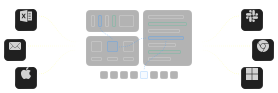
Flowit gives AI the tools to control your entire desktop apps, files, browser.
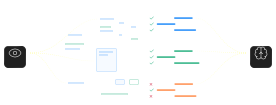
Uses vision intelligence to make decisions exactly like a human would.
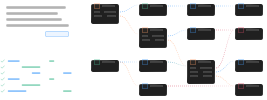
Build and deploy complex workflows using nothing but natural prompts.
Who is it for?
Anybody who needs work done.
Specialized for business workflows.
Prompt-Driven. Coding Optional.
Agents in Flowit are defined the same way work is explained internally.
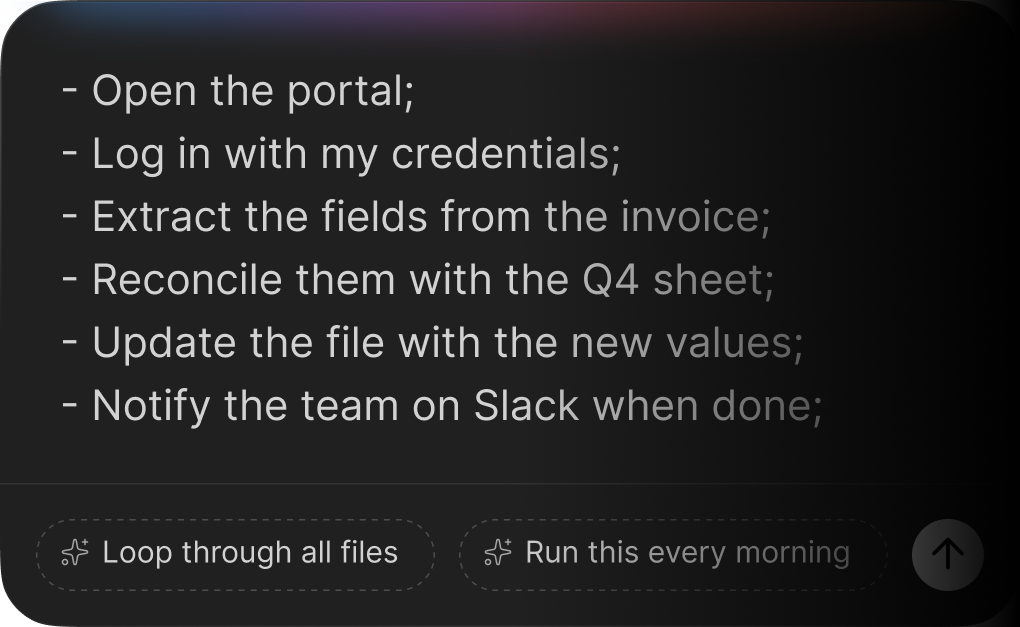
Flowit converts that intent into a structured, executable workflow

For advanced users, Python can be injected at any step—for logic, data transformation, or validation—but it is never required.
Desktop-Native
by Design.
Flowit runs directly on the desktop. This gives agents capabilities that cloud-based tools can't match:
- Access any local files and applications
- No dependency on vendor APIs
- Compatibility with legacy and internal systems
- Lower latency and higher reliability
Vision based
Recognize any UI element
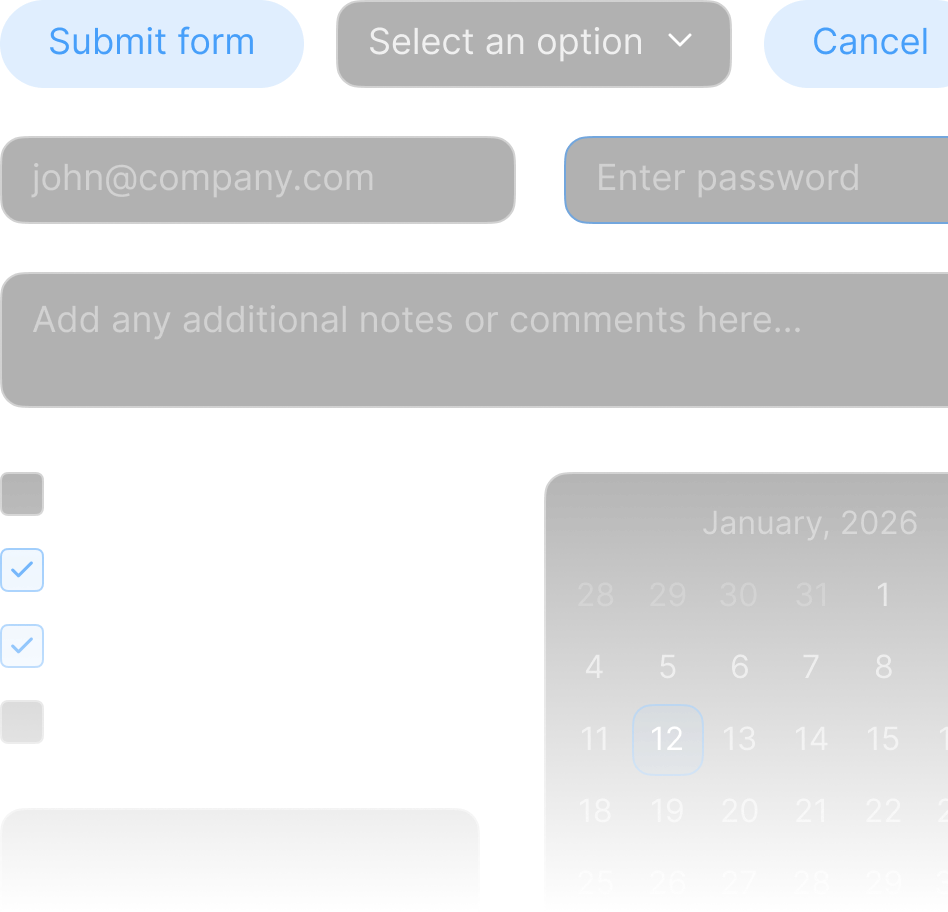
Interpret screen state live

Adapt to layout changes
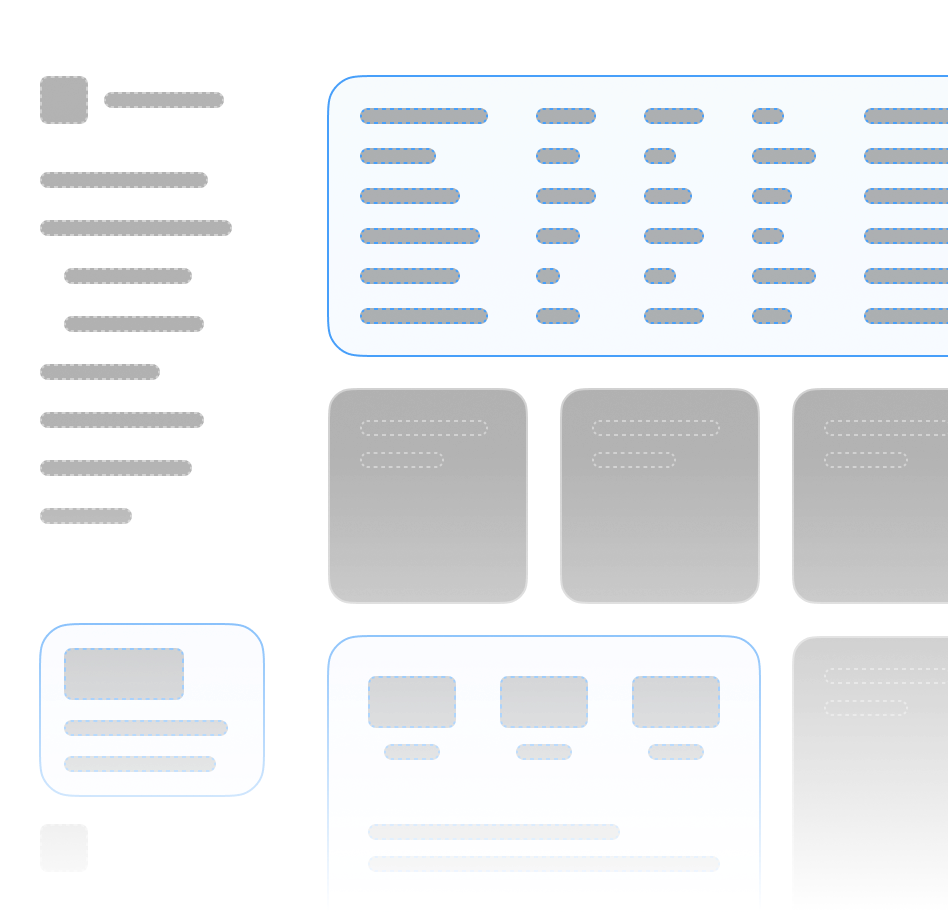
Validate outcomes visually